
- Remote
-

Turn data into actionable plans
AssetWise enables owner-operators of bridges, tunnels, roads, and rail and transit to maximize the use of transportation asset inspection information for on-site inspection, reporting, maintenance planning, project prioritization, and work scheduling. Quick access to all information allows organizations to turn needs into actionable plans.
- Information
-
Federate data
AssetWise is the industry’s preferred software for the inspection and inventory of all types of infrastructure assets, including bridges, culverts, signs, light poles, antenna towers, storm water, guardrails, retaining walls, and other ancillary structures. AssetWise provides an off-the-shelf offering that meets all FHWA, National Bridge Inventory (NBI), and MAP-21 requirements that allows for rapid implementation of the system.
- Collaboration
-
Streamline inspection process
AssetWise enables to quickly and effectively collect, analyze, manage, and report inspection data while working in the field, the office, or anywhere in between using mobile tablets. The software significantly improves the quality, usability, and amount of data available to make key decisions while preventing errors and avoiding mistakes. Integrated collection, management, and maintenance capabilities make sharing asset information across an organization easy and efficient.
- Comply
-
Maintain Compliance
Accelerate the preparation and ensure timely submission of regulatory reporting requirements, including FHWA, SNBI, NBI, and NBE
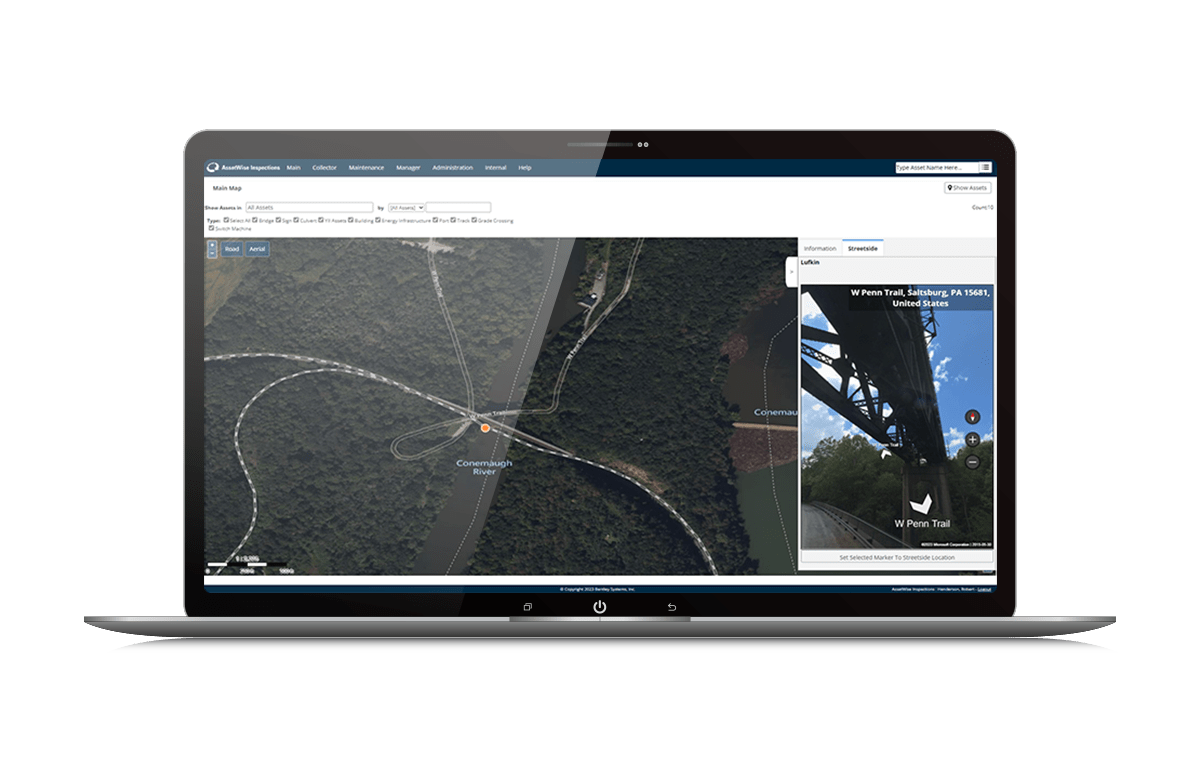
Turn data into actionable plans
AssetWise enables owner-operators of bridges, tunnels, roads, and rail and transit to maximize the use of transportation asset inspection information for on-site inspection, reporting, maintenance planning, project prioritization, and work scheduling. Quick access to all information allows organizations to turn needs into actionable plans.
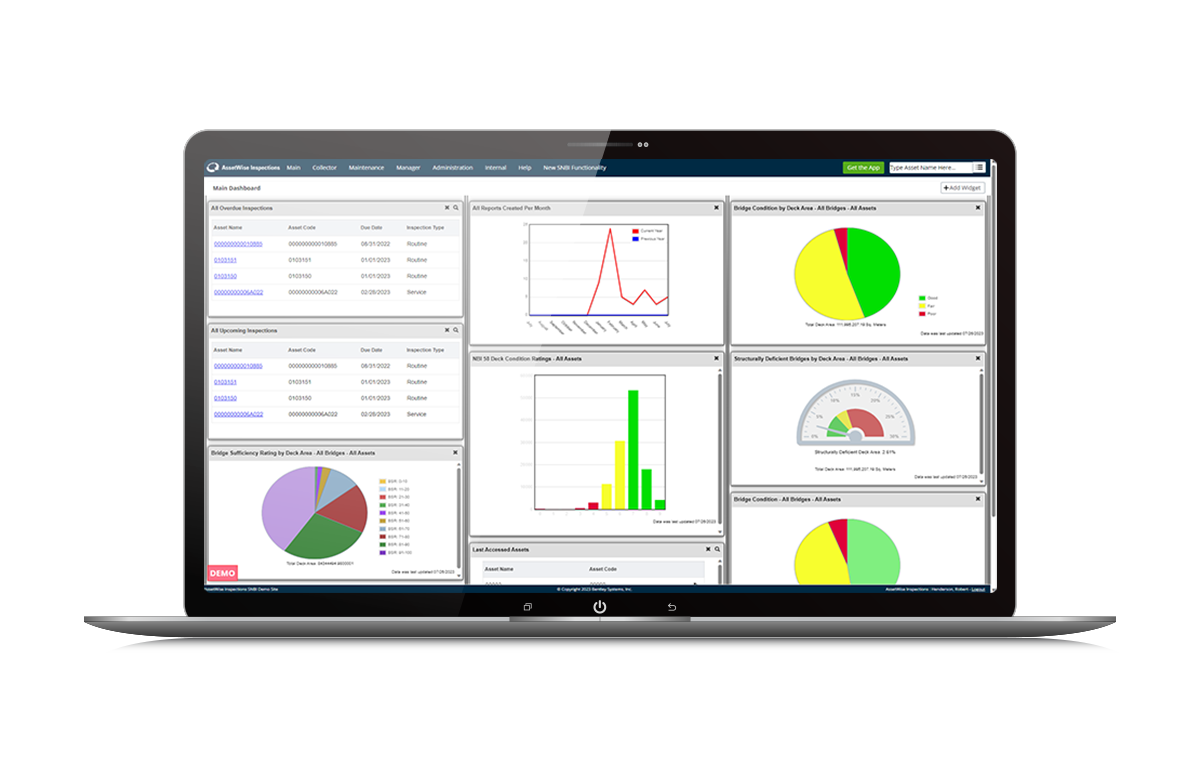
Federate data
AssetWise is the industry’s preferred software for the inspection and inventory of all types of infrastructure assets, including bridges, culverts, signs, light poles, antenna towers, storm water, guardrails, retaining walls, and other ancillary structures. AssetWise provides an off-the-shelf offering that meets all FHWA, National Bridge Inventory (NBI), and MAP-21 requirements that allows for rapid implementation of the system.
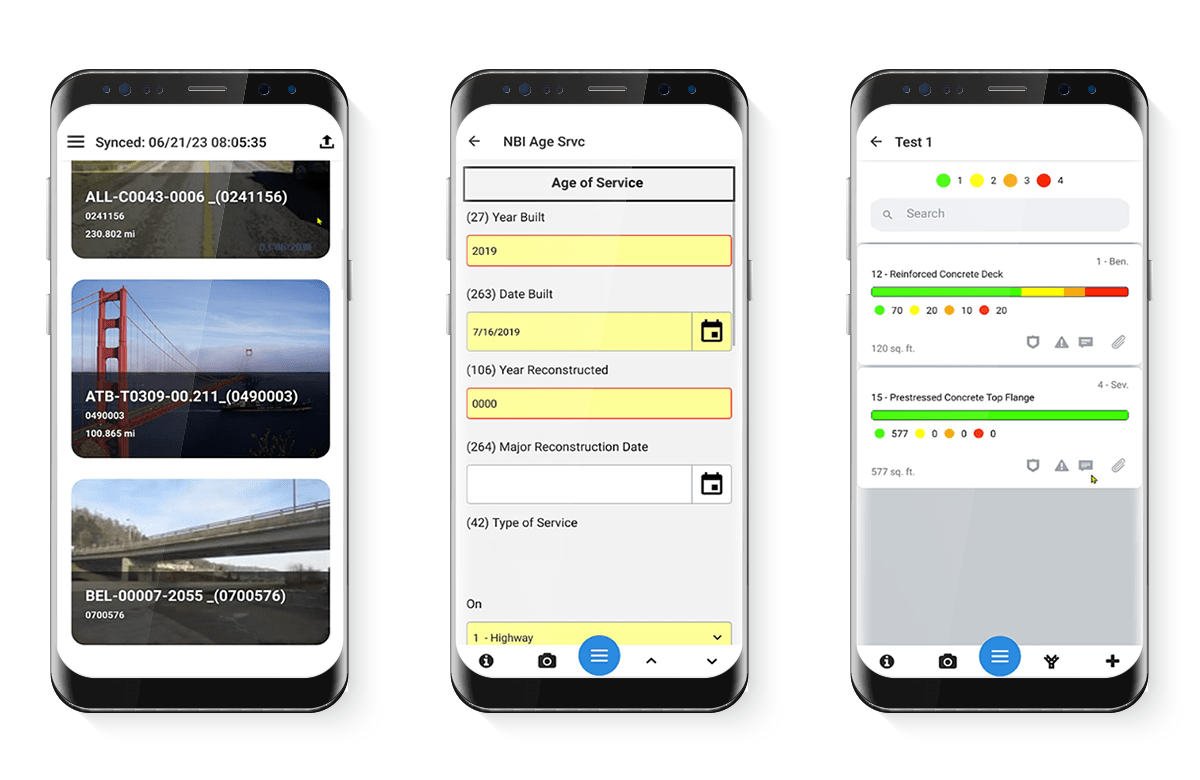
Streamline inspection process
AssetWise enables to quickly and effectively collect, analyze, manage, and report inspection data while working in the field, the office, or anywhere in between using mobile tablets. The software significantly improves the quality, usability, and amount of data available to make key decisions while preventing errors and avoiding mistakes. Integrated collection, management, and maintenance capabilities make sharing asset information across an organization easy and efficient.
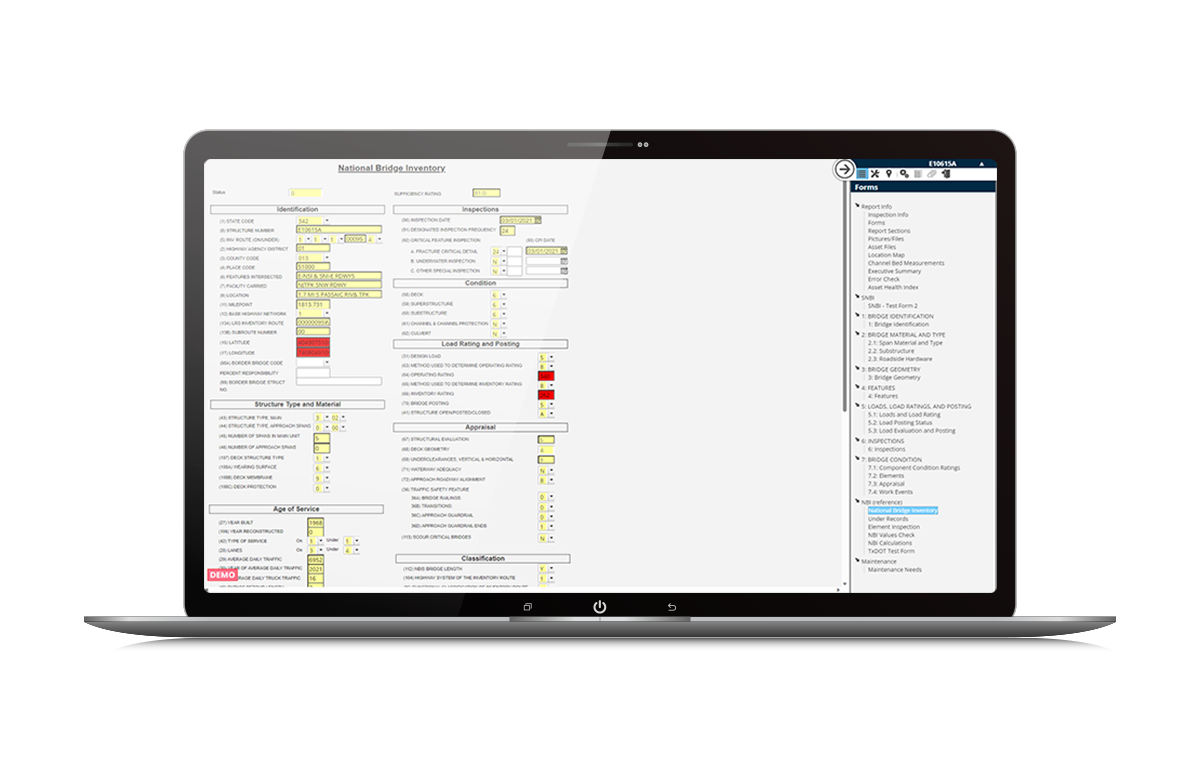
Maintain Compliance
Accelerate the preparation and ensure timely submission of regulatory reporting requirements, including FHWA, SNBI, NBI, and NBE